Mobile retail fixture release tool · Source review October 26, 2026
A retail fixture is not ready for release because it fits the floor plan. Release it when the project file shows both states: how the item works while the trailer is open, and where it goes when the trailer moves. For each cabinet, table, display, screen, chair, appliance and stock container, record the item mass, contents, substrate, attachment or travel restraint, rating evidence, responsible reviewer and verification record.
Use the downloadable register below as an intake and release-control tool. It does not calculate loads or select fasteners. The final builder and qualified professionals must decide the design basis, attachment details, restraint hardware, inspection method and applicable requirements for the actual unit and operation.
The three photographs on this page are owner-approved images of an MT-8 Glorax mobile sales-office interior. They provide real fixture context. They do not establish hidden attachment details, item weights, ratings, completed vehicle condition or regulatory compliance.
01The release rule
Do not release a fixture interface when the schedule says only “cabinet,” “screen” or “customer table.” A usable row must answer six questions:
- What exact item and loaded condition are being reviewed?
- Where is it in operating state?
- Where is it in travel state?
- What physical substrate receives the attachment or restraint?
- Who supplies, installs, reviews and verifies it?
- What record proves the released configuration matches the reviewed configuration?
This rule applies when a final builder, fixture vendor, AV installer or brand team is asking another party to close walls, place reinforcement, reserve clearances, route utilities or approve a travel position. If any answer is still unknown, mark the row open and name the person who must close it.
02Download the fixture register
Download the mobile retail fixture and travel-restraint schedule (CSV)
The CSV is intentionally a register, not a generic shopping list. Keep one row per item or matched fixture group. Use stable IDs on the drawing, schedule, photographs and change log so a reviewer can trace the same object across each record.
| Register field | What belongs in it | Release check |
|---|---|---|
| Fixture ID and zone | Stable drawing tag and location | The tag appears on the current marked-up plan |
| Item and loaded condition | Manufacturer, model, dimensions, empty mass and expected contents mass | The reviewed mass is not a placeholder |
| Operating state | Position, clearances, access, power/data and user interaction | Doors, drawers and service panels can perform their assigned task |
| Travel state | Stowed position, locked condition, loose-content control and pre-trip check | The travel position is shown, not merely described as “secure” |
| Substrate and interface | Floor, wall, frame or reinforcement receiving the connection | The builder confirms what is behind the finish |
| Attachment or restraint | Current part, pattern, hardware and supplier record | The design owner has accepted the actual configuration |
| Review basis | Project-specific calculation, manufacturer rating, test record or qualified review | The basis matches the item and installed condition |
| Responsibility and evidence | Supplier, installer, reviewer, verifier, photograph and signoff reference | One owner closes each step and the final record is retained |
Do not fill an unknown with a plausible number. TBD — fixture vendor by [date] is more useful than a false mass or assumed rating because it keeps the dependency visible.
03Read the MT-8 interior in two states

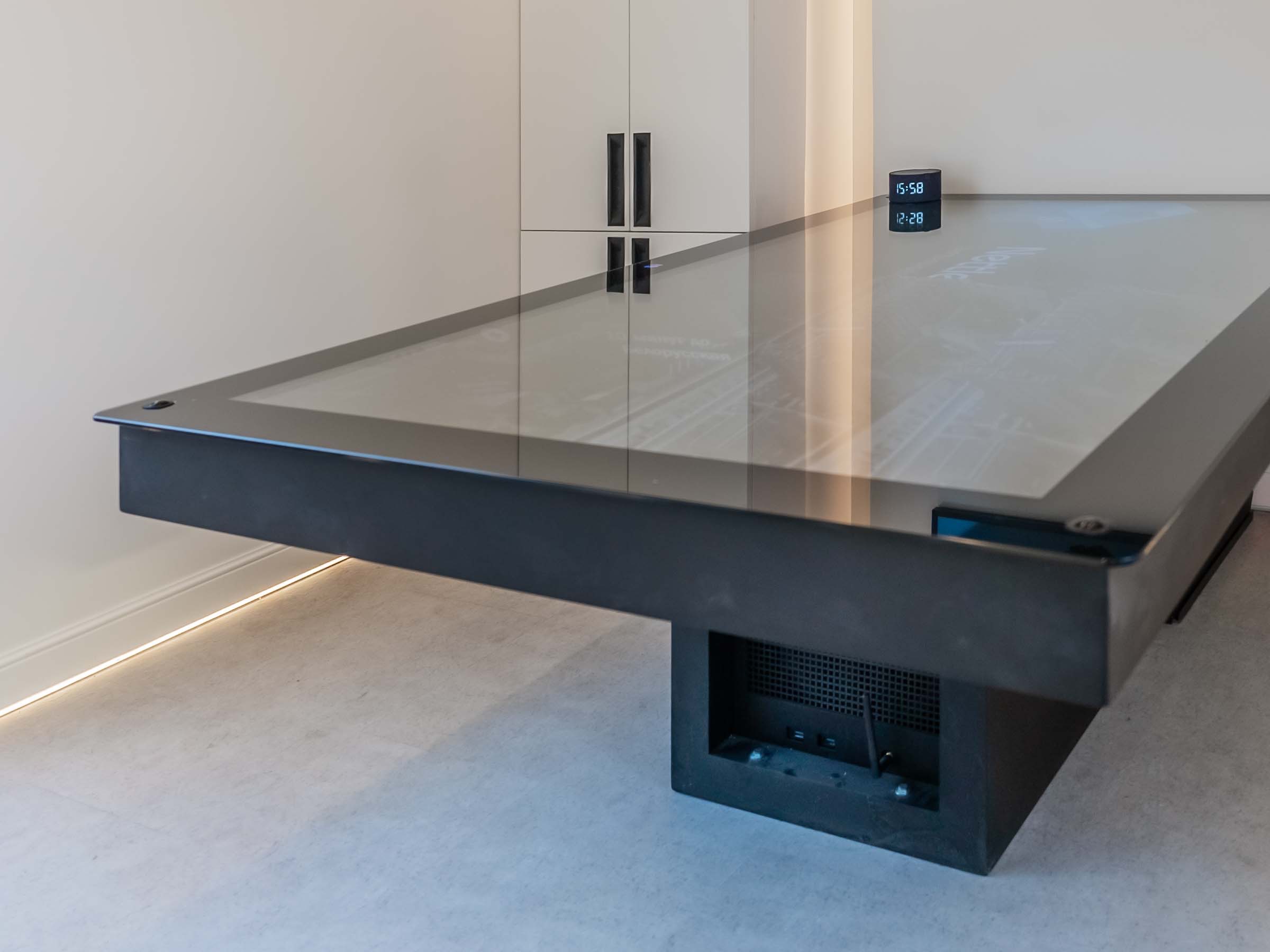
The wide view shows a fixed customer table, wall-mounted display, built-in cabinetry, freestanding chairs, a small appliance and countertop items. That is enough to start the register, but not enough to release it.
The operating-state plan should show chair pullback, customer and staff positions, cabinet and drawer swings, screen sightline, device access, cable routes and the usable aisle. The travel-state plan should show where every chair, countertop item, display accessory and loose stock goes before departure. “Remove loose items” is incomplete unless the scope names the storage location, restraint or separate transport owner.
The schedule also prevents a familiar handoff problem: a brand-supplied screen or cabinet arrives after the wall and power layout are closed. Record the exact item, mounting interface, ventilation and service access before those interfaces are released.
04Build one row from the photograph
Here is a labeled worked example for the visible table. The entries in brackets are deliberately unresolved because the photograph cannot supply them.
| Field | Worked example entry |
|---|---|
| Fixture ID | F-12 |
| Zone / item | Customer zone / fixed table and base |
| Operating state | Table deployed in shown position; chair clearances and customer route checked on current plan |
| Travel state | Table remains installed; surface cleared; adjacent chairs moved to their documented stowed positions |
| Item and contents mass | [actual assembly mass required]; no loose contents on the top during travel |
| Attachment substrate | [builder to identify frame or reinforced floor interface] |
| Attachment method | [qualified design owner to specify reviewed hardware and pattern] |
| Review basis | [project-specific calculation, rated system or other accepted record] |
| Installer / reviewer / verifier | [name each party in the final-build scope] |
| Verification record | Installation photo, concealed-interface photo if required, hardware record and signed inspection reference |
| Release status | HOLD until mass, substrate, attachment and review basis are closed |
The professional decision is the HOLD, not an invented hardware selection. This is the correct outcome when the team has a useful photograph but lacks the project records needed to approve the interface.
05Separate fixed fixtures from carried cargo
Start by classifying each item for the actual operation. A permanently installed cabinet, a removable display rack, a chair carried inside the unit and cartons transported by another vehicle do not share one default treatment.
Federal Motor Carrier Safety Administration cargo-securement rules in 49 CFR 393.100 require cargo within their scope to be contained, immobilized or secured so it does not leak, spill, blow, fall or shift enough to affect vehicle stability or maneuverability. Section 393.102 provides performance criteria for cargo-securement systems, including directional acceleration conditions. Those provisions apply within their stated commercial-motor-vehicle scope; they are not a substitute for unit-specific fixture engineering, vehicle-stage responsibilities or a carrier's applicability determination.
Use the regulations as a reason to close the travel state, not as permission to copy a generic fastener schedule. The responsible builder and qualified reviewer still need the actual item mass, center-of-gravity information where relevant, substrate, geometry, selected components and installed configuration. The carrier remains responsible for the cargo and operation within its scope.
06Record the vehicle and builder boundary
Fixture work cannot be separated from the documented build stage. NHTSA does not pre-approve a trailer or its manufacturer. The responsible manufacturer certifies the vehicle to applicable Federal Motor Vehicle Safety Standards and places the required certification label under the governing vehicle-certification framework.
MOBITRUCK prepares the contracted shell system at its manufacturing operation in Estonia. In the current U.S. path, Concession Nation assembles the rolling shell and, within its signed scope, assigns the American VIN and performs the applicable vehicle-certification work for its stage. Concession Nation or another qualified U.S. builder may complete the retail application under a separate scope.
The proposal, unit records and actual handoff condition determine the parties and duties for a specific trailer. A fixture schedule should therefore name the builder that receives the shell, the party that adds each reinforcement or finish interface, the final installer, the reviewer and the person who closes the verification record. Do not let a vendor name stand in for a responsibility assignment.
07Run the travel-state release walk
Complete the last review beside the actual unit, with the current register and drawing open.
- Match every scheduled fixture ID to the installed item.
- Photograph visible hardware and any required concealed interface before it is covered.
- Confirm that doors, drawers, display panels and access covers reach their intended secured state.
- Put movable furniture, devices, stock and packaging into the documented travel positions.
- Check that the travel arrangement does not block required access or create an undocumented loading change.
- Record the installed part or rating references used by the responsible reviewer.
- Capture open items, assign owners and hold release until the required evidence is complete.
- Retain the final schedule, marked-up plan, change record and travel-state photographs with the unit file.
If a late product change alters mass, dimensions, center of gravity, mounting, contents or stowed position, reopen that row. Approval of the previous item is not approval of its replacement.
08Send a builder-ready fixture packet
For a configured review, send the completed CSV, the current floor plan with fixture IDs, cut sheets, actual item and contents weights, operating-state photographs, travel-state sketches or photographs, utility requirements and the proposed responsibility matrix. Identify every owner-supplied item and its required release date.
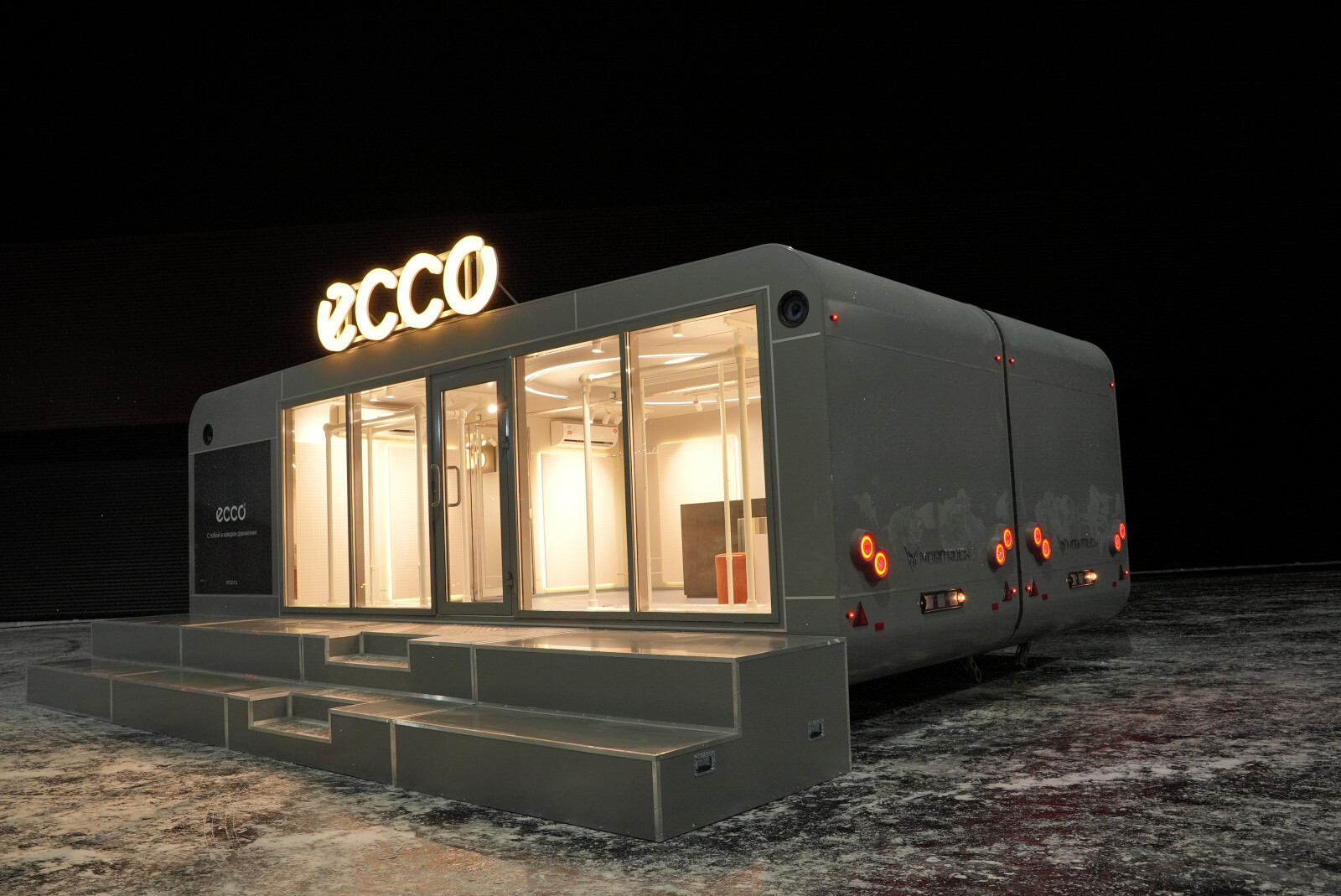
Pair this packet with the mobile retail trailer planning guide for customer flow and inventory decisions, and use the ECCO mobile pop-up store project teardown when a connected retail format, glazing or site handoff is part of the concept. Review the shell, rolling-shell and turnkey comparison before assigning final-build work.
The next useful action is not a request for a generic mounting recommendation. It is a project file that shows what will be installed, how it will be used, where it will be during travel and who is responsible for each design, installation and verification decision. Request a mobile retail project review.
09Sources checked October 30, 2026
- 49 CFR 393.100 — Which types of commercial motor vehicles are subject to the cargo securement standards? — current federal scope and the duty to contain, immobilize or secure cargo; checked October 30, 2026.
- 49 CFR 393.102 — What are the minimum performance criteria for cargo securement devices and systems? — current performance criteria and applicability boundary; checked October 30, 2026.
- NHTSA trailer safety consumer alert — applicable federal standards and certification-label warning; checked October 30, 2026.
- NHTSA importation and certification FAQs — manufacturer certification rather than NHTSA product approval; checked October 30, 2026.
- MOBITRUCK mobile retail trailers — current retail application and completion-path context; checked October 30, 2026.
- MOBITRUCK manufacturing — current Estonia shell-system and U.S. assembly/completion responsibility sequence; checked October 30, 2026.
 Buyer guide
 Archive evidence