Office configuration with awning
MobiCube 6 Office Awning adds a sheltered customer frontage to the enclosed 6-series workplace.
MobiCube model
MobiCube 6 Office Awning adds a sheltered customer frontage to the enclosed 6-series workplace.
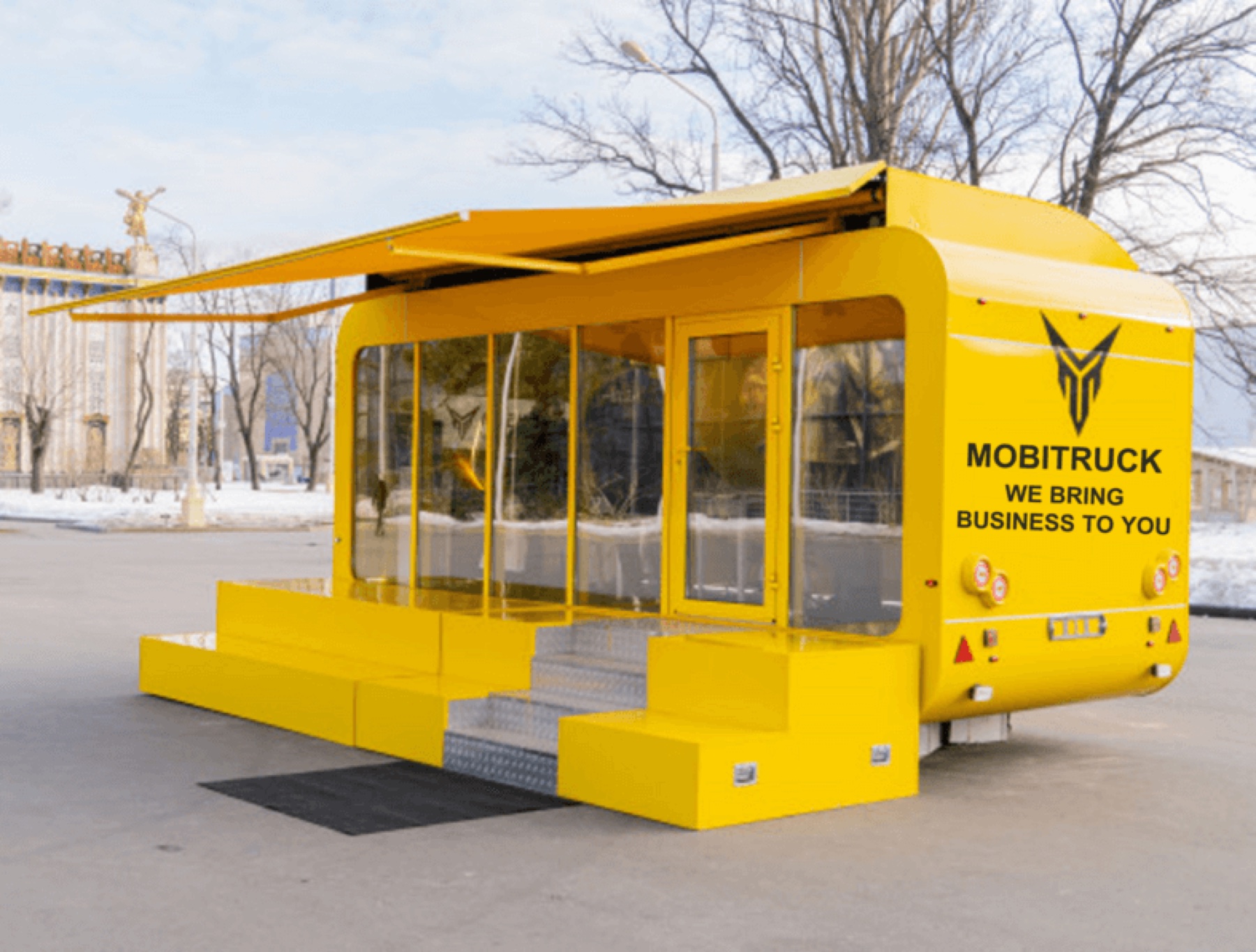
Use this archived view to compare the model’s proportions and opening logic. Current finishes, openings and engineering are confirmed in the approved proposal and drawings.
It is designed for sales galleries, leasing, project offices, consultations and public-facing field teams that receive visitors throughout the day. Coordinate the interior meeting and work zones with the exterior arrival area so signage, access, weather protection and customer circulation function together. The archived MT-6 office with awning page lists approximately 151 sq ft and a reference envelope of 20 × 8 × 11 ft. Source figures are planning references; the signed proposal and current approved drawings control the actual unit.
Why this model
The model name is only the starting point. Compare its operating role, interior strategy and selection boundary before equipment, openings and build level are approved.
MobiCube 6 Office Awning adds a sheltered customer frontage to the enclosed 6-series workplace.
Coordinate the interior meeting and work zones with the exterior arrival area so signage, access, weather protection and customer circulation function together.
It is designed for sales galleries, leasing, project offices, consultations and public-facing field teams that receive visitors throughout the day.
Choose the awning version when exterior welcome or presentation space creates value; choose 6 Office when privacy and the simplest deployment are the priorities.
Model planning sequence
Start with the actual operating brief for sales, consultation, site offices and public-facing service: offer, customer volume, staffing, equipment, storage and target location.
Choose the awning version when exterior welcome or presentation space creates value; choose 6 Office when privacy and the simplest deployment are the priorities.
Coordinate the interior meeting and work zones with the exterior arrival area so signage, access, weather protection and customer circulation function together.
Validate the archived 151 sq ft / 20 × 8 × 11 ft reference against the selected equipment, build level, transport route and jurisdiction before pricing is finalized.
Selection and source data
Original model photography
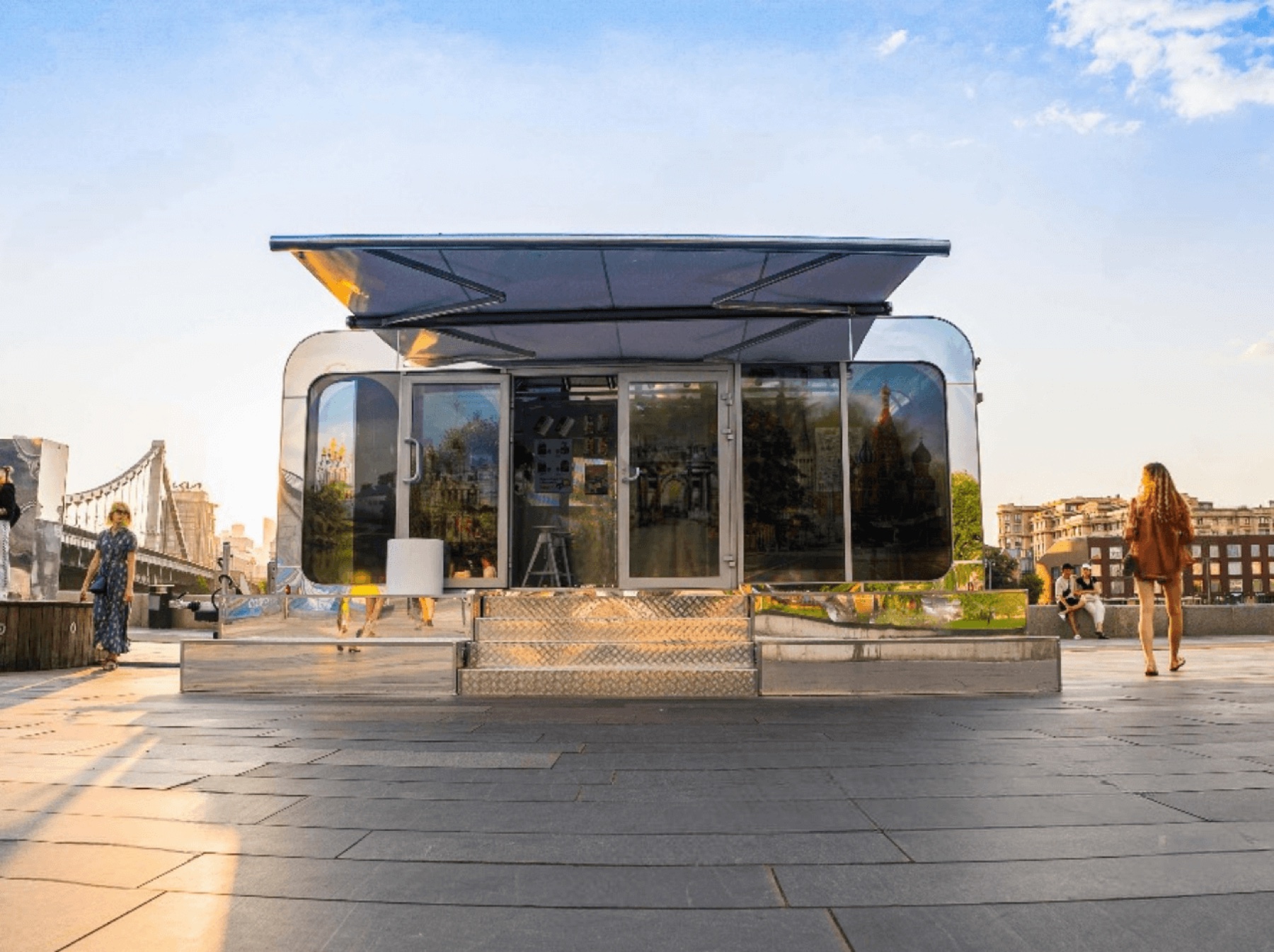
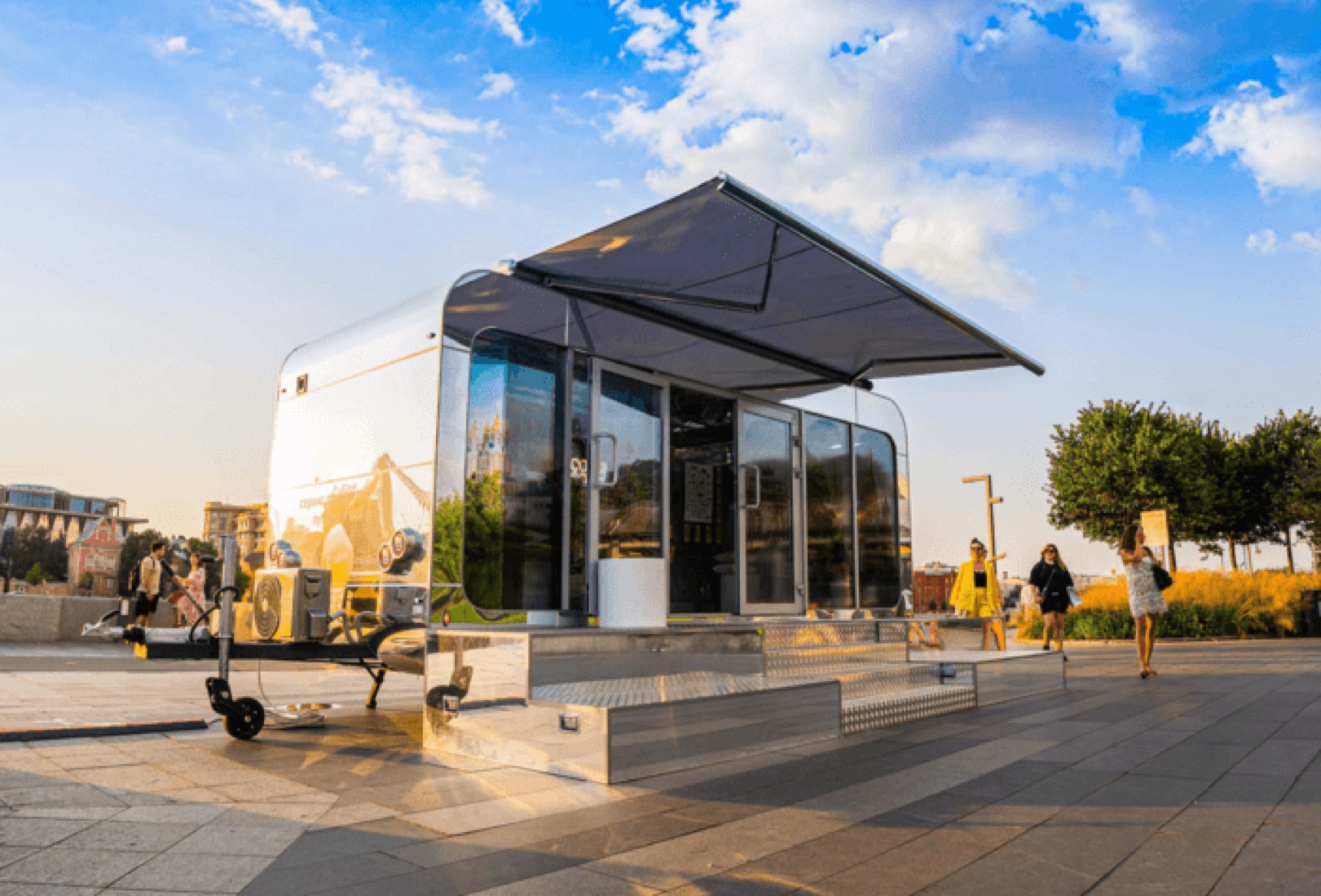
These photographs were recovered from the matching product pages in the original MOBITRUCK Models catalog. They document archived configurations; current specifications, options and availability require confirmation.
Official MOBITRUCK® footage
These clips come from the official MOBITRUCK USA YouTube, Instagram and TikTok channels. Each video is matched to this platform or business format and remains hosted on the original channel.
A short introduction to the square platform and its usable commercial envelope.
Open original ↗See how the square-body platform supports flexible commercial planning.
Open original ↗A complete mobile-office configuration with work, meeting and support functions.
Open original ↗Two connected commercial units demonstrate a larger office program on wheels.
Open original ↗Keep exploring

Compare every current MobiCube model and configuration.
Open page ↗
Match the shell to the operating workflow, equipment and customer interface.
Open page ↗Project reviewConfirm drawings, build level, price, timing and target jurisdiction for the selected model.
Open page ↗Compare before you configure
Choose the awning version when exterior welcome or presentation space creates value; choose 6 Office when privacy and the simplest deployment are the priorities.
Coordinate the interior meeting and work zones with the exterior arrival area so signage, access, weather protection and customer circulation function together. The final plan begins with the verified equipment list, staffing and customer sequence for sales, consultation, site offices and public-facing service.
The archived page and photography are design references, not a current fixed package. MOBITRUCK must confirm the present shell, openings, systems, build level, price and availability in the signed proposal and approved drawings.
Build the right scope